Link Seis to Venmo in 12 easy steps
Step 1
Download the Venmo app
Step 2
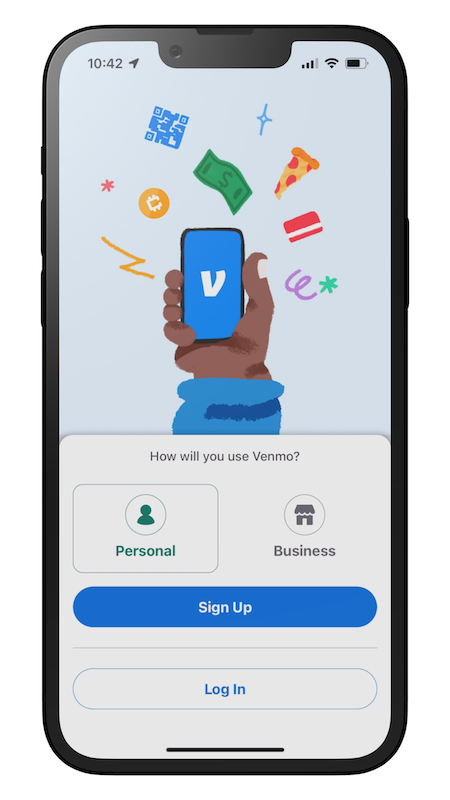
Select “Personal” and tap “Sign up"
Step 3
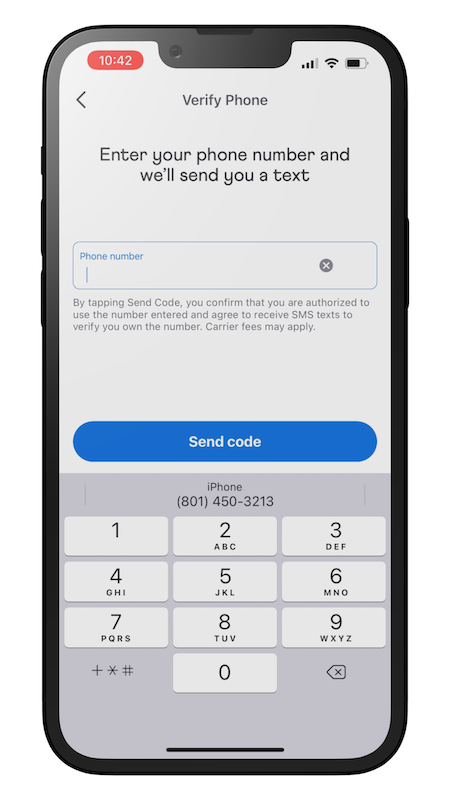
Enter your phone number and tap “Send code”
Step 4
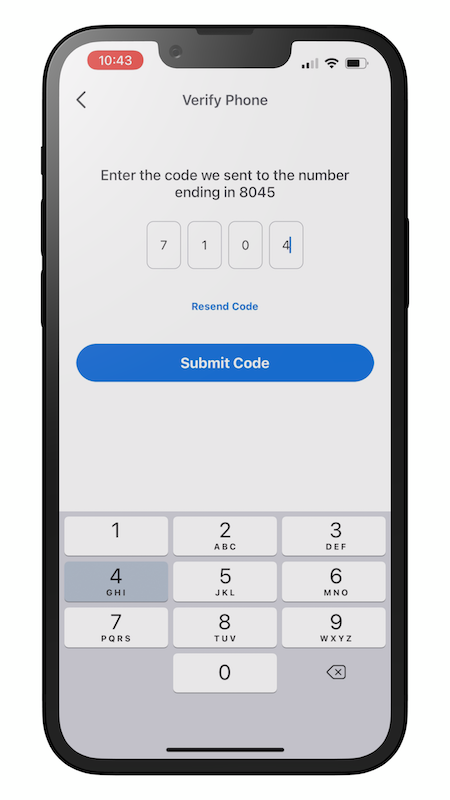
Enter the code and tap “Submit code”
Step 5
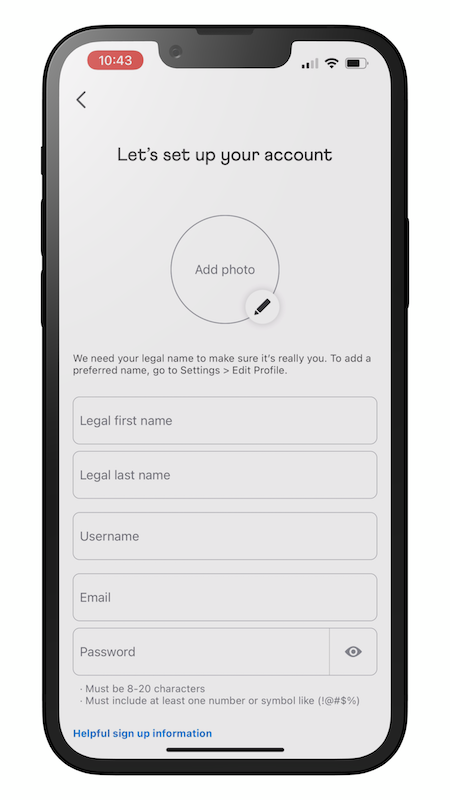
Enter your legal name and email, create a username and password, and tap “Next”
Step 6
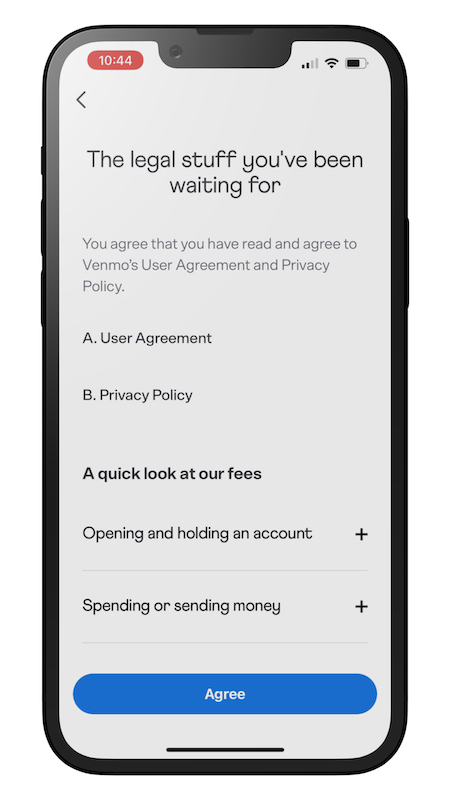
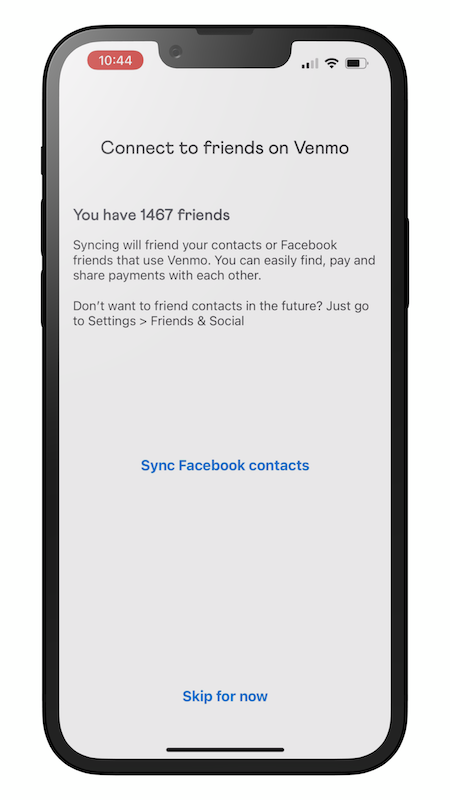
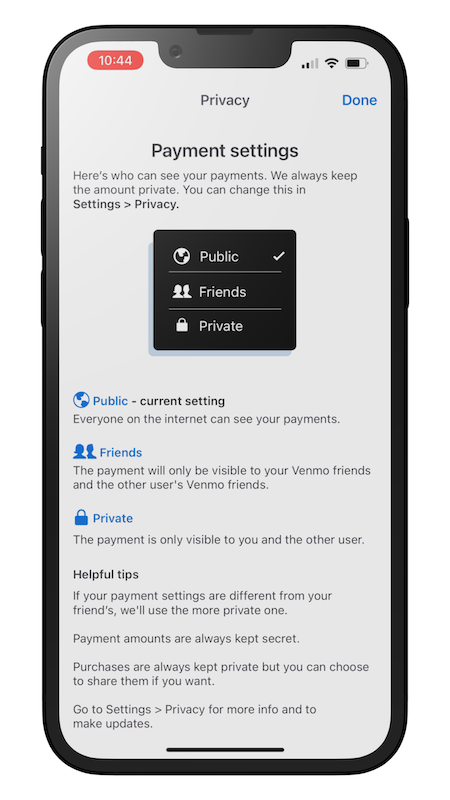
Tap “Agree”, tap “Skip for now”, and tap “Done”
Step 7
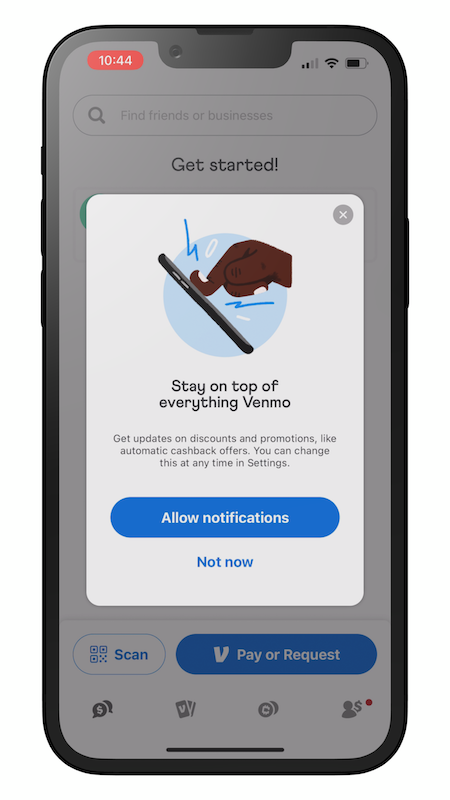
Select “Allow notifications”
Step 8
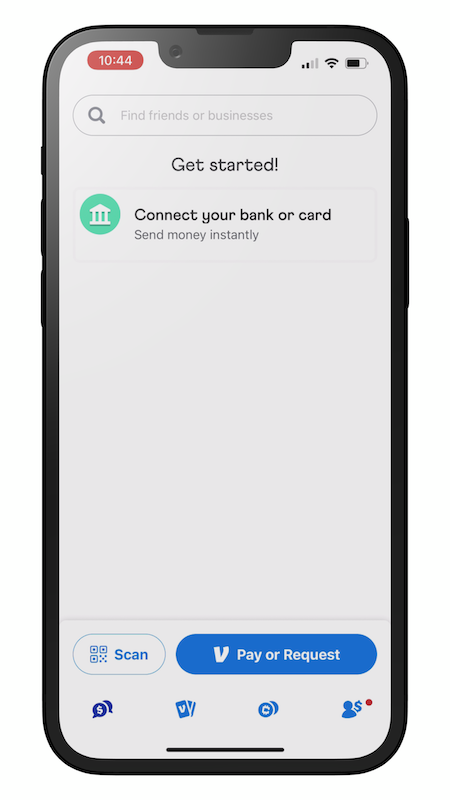
Tap “Connect your bank or card”
Step 9
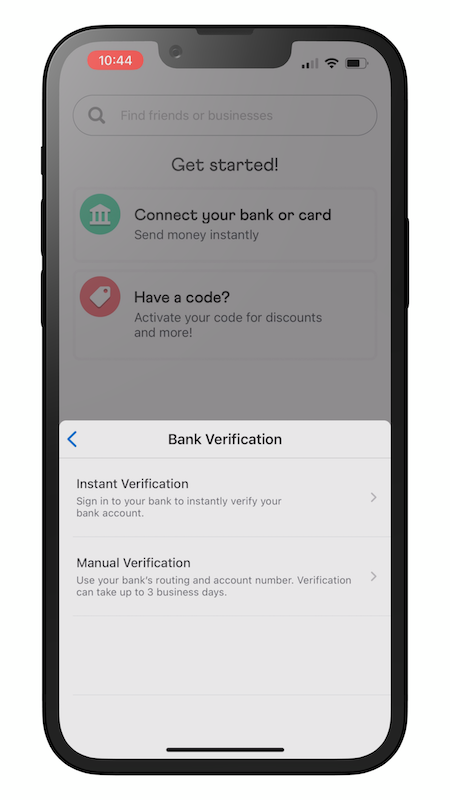
Tap “Bank” and tap “Instant Verification”
Step 10
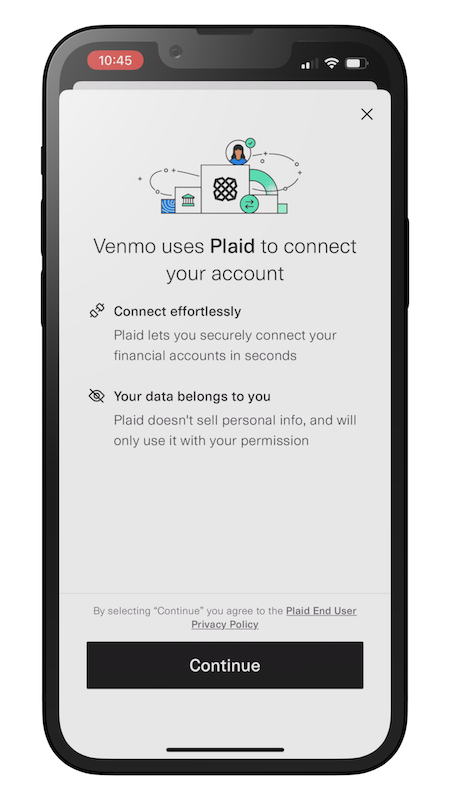
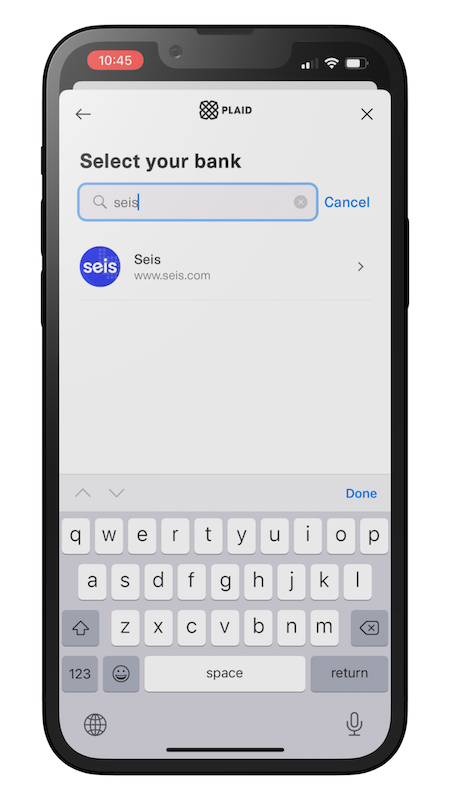
Tap “Continue”, and in the search bar type “Seis”, then select “Seis”
Step 11
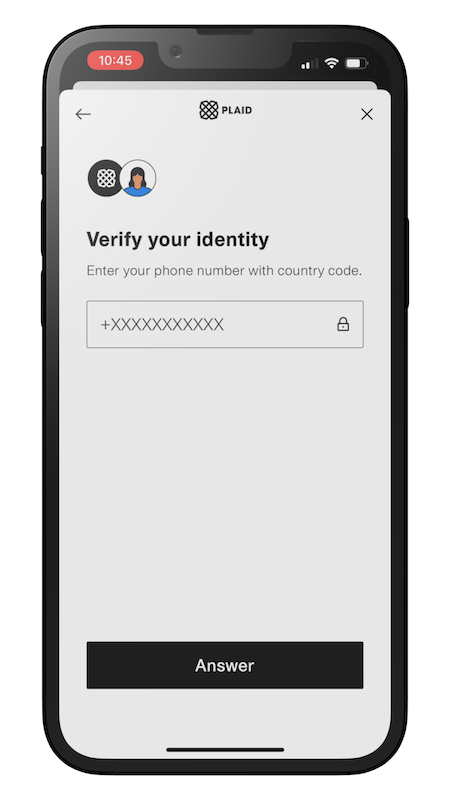
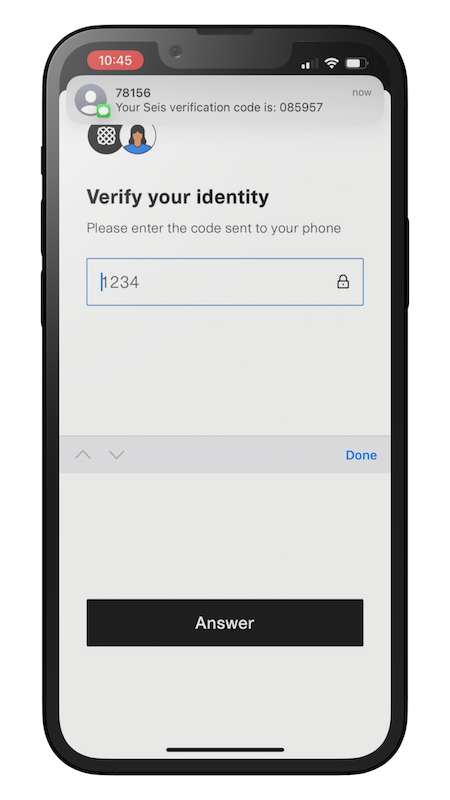
Enter your phone number with “+1” at the beginning and tap “Answer”, then enter the verification code in “Answer”
Step 12
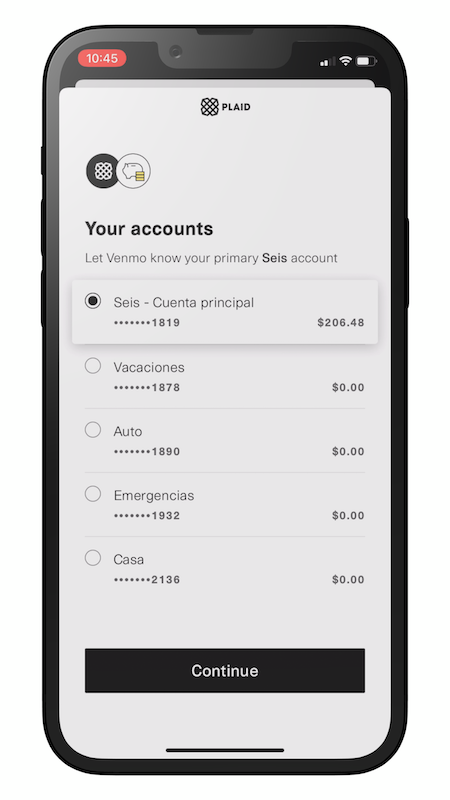
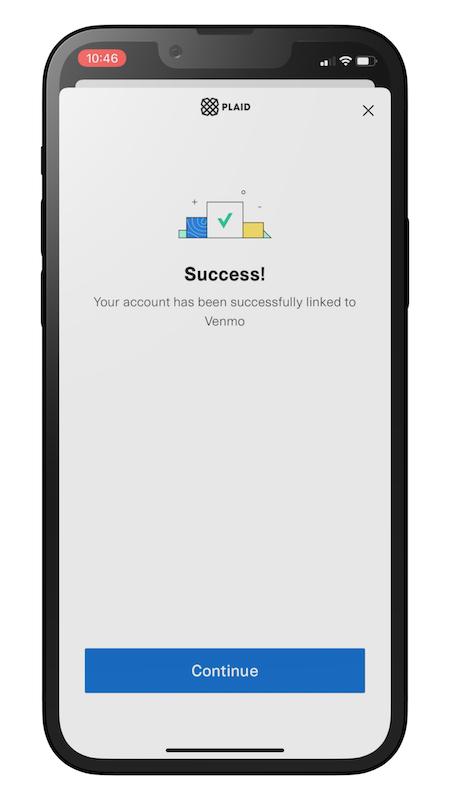
Select “Seis - Primary account” and tap “Continue”